10 Free Database Apps Worth Trying in 2026
Compare 10 free database apps by database type, free-tier limits, and best use cases — from Postgres and MongoDB to Redis and serverless SQL.
It's 9 p.m., your prototype works on your laptop, and the only thing between you and a shareable demo is a database. Paying for managed infrastructure before anyone has used the app wastes money and slows you down. You don't need a procurement decision tonight. You need a connection string, a predictable limit, and a clear answer to what breaks first.
That's why free database apps are the right starting point, but they're not interchangeable. One free tier pauses an idle project, another expires it, and another keeps serving data until a hard cap makes queries fail. A generous storage number doesn't help if compute, reads, writes, or backups run out first.
This list vets ten options across relational, document, key value, and serverless SQL categories by their free tier mechanics, not their marketing pages. For each one, I state what you get at $0, where the limit bites, and which workload fits. These engines aren't fringe tools, either. A 2023 Percona survey reported that community supported open source represented approximately 42% of all database instances used by respondents. Start free, but start with the failure mode you can live with.
1. Resources
A prototype that needs records, rate limiting and embeddings can turn into four signups before the first feature ships. The ExtraOrbital Resources catalog puts Postgres, MongoDB-compatible databases, Redis, and vector search in one place, with the free allowance for each service shown up front. The free plan is $0 forever, writes credentials straight to .env, and includes a free allowance on every provisioned resource.
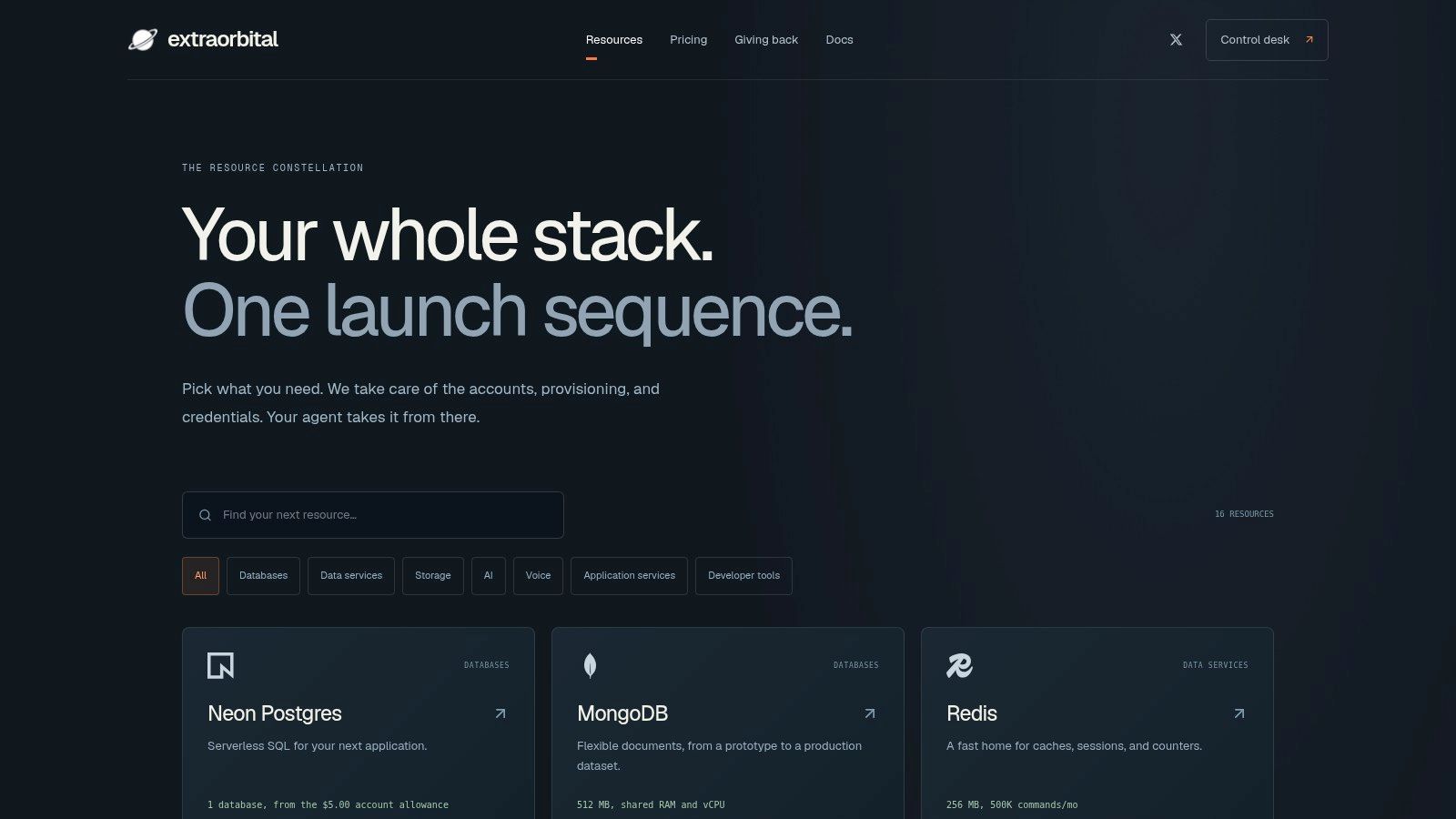
That spread matches familiar engines. In the Stack Overflow 2025 Developer Survey, PostgreSQL was used by 55.6% of all respondents, while Redis was used by 28.0% and MongoDB by 24.0%. Covering those engines through one command means you, or a coding agent, can add the service the code expects without creating separate provider accounts.
Where the Free Allowance Bites
- Postgres: 1 free database that scales to zero when idle; paid use is $0.35 per GB-month for storage, $0.106 per CU-hour for compute, and 500 GB monthly bandwidth per database before $0.10 per GB.
- Redis: 5 free databases with 256 MB storage, 500K commands and 10 GB bandwidth per month; paid use is $0.25 per GB-month and $0.20 per 100K requests.
- MongoDB-compatible: 5 free databases with 512 MB storage and shared compute; paid storage starts at $8.00 per month by size.
- Production boundary: Free is for building: no backups, no uptime guarantee, limited retention and deletion after inactivity. Pay-as-you-go adds periodic backups, restore, resources that never expire and supplier-price usage with no markup.
My verdict: Pick this when one repo needs, say, Postgres for records and Redis for rate limiting tonight. I would use it to get working credentials fast while the allowance and idle behavior are still easy to reason about.
2. Supabase
You want Postgres, but you also need sign in, file uploads, and an API before the weekend. Supabase bundles a managed PostgreSQL database with an automatically generated API, authentication, file storage, and realtime features, so you don't stitch together three providers. Its strength isn't raw database novelty. It's that a small team gets a coherent backend in one signup.
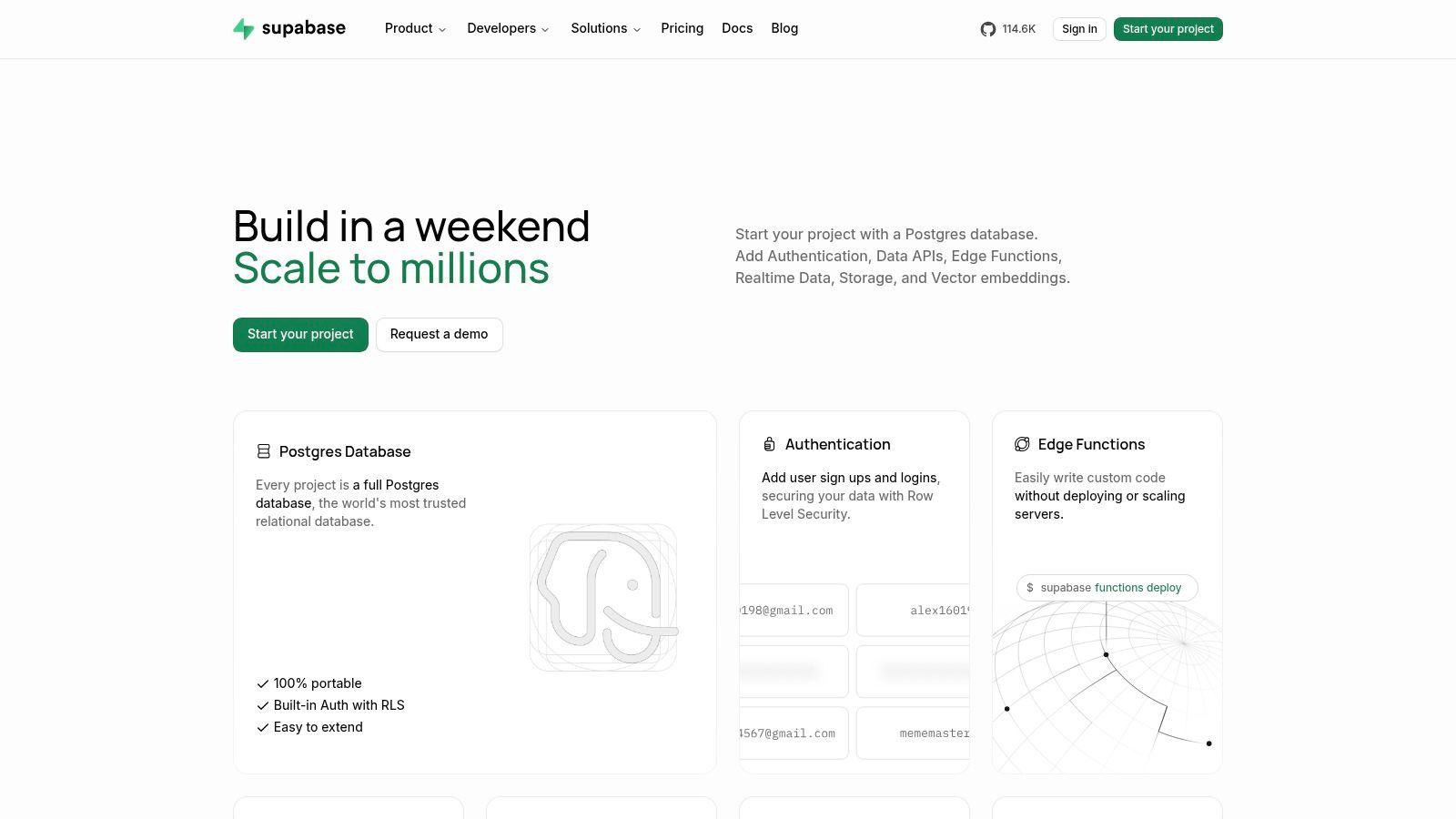
The free tier is built for experimentation, and it behaves that way. The Supabase free plan includes 500 MB of database storage per project, with limited storage and data transfer allowances beyond that. Standard SQL tools and libraries work as you'd expect, which keeps your schema portable. When you generate credentials for it, treat key handling seriously, the same discipline you'd apply when you generate a secret key for any service.
The Gotchas That Matter
- Inactivity pause: Free projects may be paused after inactivity, so a demo left untouched can greet your next visitor with a cold, paused backend.
- No automatic backups: Automatic backups aren't included in the free plan, so export anything you can't afford to lose.
Pick Supabase for an app shaped prototype that needs auth and realtime quickly. Don't pick it for a set and forget side project you won't touch for weeks.
3. Neon
Running a migration straight against your only copy of the data is how prototypes lose a weekend. Neon offers managed PostgreSQL with autoscaling, scale to zero, and database branching, so a risky schema change happens on a branch you can throw away instead of the database you can't. For agent driven development, that isolation is useful: an agent can tear down a branch without touching your main data.
The free plan limits how many projects you can run and how much each one stores, so confirm the current allowances on Neon's pricing page before you design an architecture around them. PostgreSQL compatibility means most frameworks connect without adapter hacks, whether you check tables in a GUI or view all databases in Postgres from the command line. Branches are the main advantage: each experiment or preview deployment gets its own database, so a broken migration never reaches the schema your demo depends on.
Where the Free Plan Bites
- Capped compute: Free compute and network allowances are capped, so sustained load ends the free ride before storage does.
- Cold starts: An idle database may take time to respond when accessed again, which users feel as a slow first request.
- Moving limits: Free plan limits and features can change, so an architecture sized to today's ceiling can break without warning.
I recommend Neon for prototypes and preview environments where branches earn their keep. Budget for that first query delay if your demo traffic arrives in bursts.
4. MongoDB Atlas
Document data doesn't bend into tables without a fight. If your records are nested JSON with uneven fields, MongoDB Atlas gives you MongoDB's managed cloud service without administering a server yourself. You pick AWS, Azure, or Google Cloud, create a cluster, and connect with the drivers your app already knows.
Persistence is a point in MongoDB's favor once it's in your architecture. A 2025 study of 362 popular open source Java projects found that Redis and MongoDB generally remained in projects after introduction, indicating stable adoption once they become architectural dependencies. Choose it because your data model fits; easy signup is the worst reason.
The free shared cluster offers limited storage on shared infrastructure, sized for learning MongoDB, driver setup, indexes, and a small proof of concept. Treat the cap as a ceiling for the exercise: if data or traffic outgrows it, the path is a paid tier with more capacity and deployment options, not hidden headroom.
- Shared resources: The free cluster has limited storage and shared resources, so noisy neighbors are part of the deal.
- Not for demanding production: The free tier is intended for learning and small scale development, not heavy workloads.
- Later costs: Cloud provider and deployment choices may affect later costs, so region picks aren't free decisions forever.
Atlas fits prototypes where JSON is hierarchical and document queries stay modest.
5. Firebase Cloud Firestore
Say you're building a mobile app where two phones must see the same update the moment it happens. Cloud Firestore is Google's managed document database with realtime listeners and client and server SDKs, integrated with the wider Firebase ecosystem. You don't build a sync layer. You subscribe to documents and let the SDK push changes.
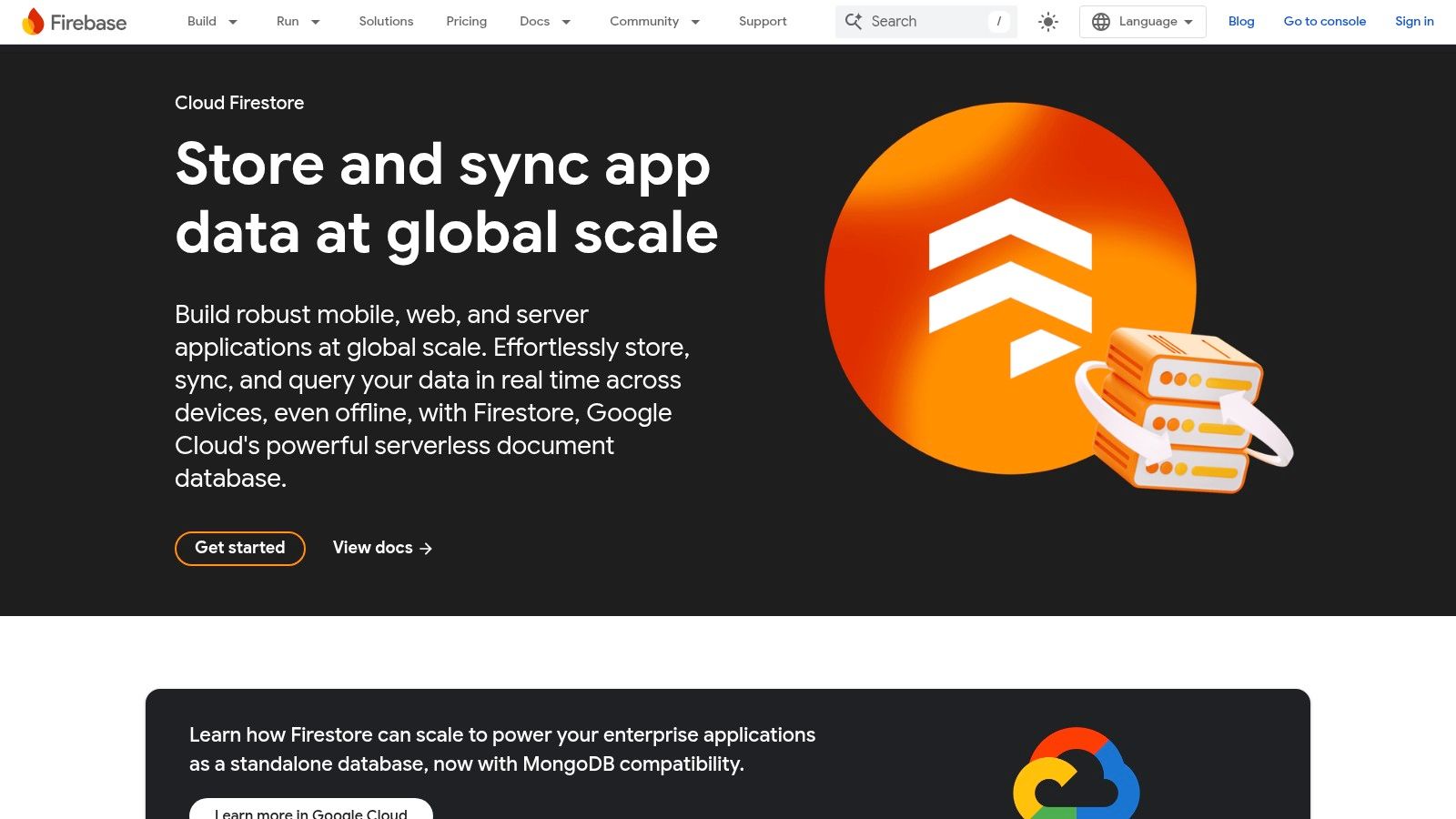
The free quota is counted in operations, not just size. The Firestore free quota includes 1 GiB of stored data, 50,000 document reads per day, and 20,000 writes and deletes per day. That supports prototypes and modest usage comfortably. It also means a screen that refetches a whole collection on every render can burn a day's reads before lunch.
Read the Meter Carefully
- Query patterns set the bill: Billing depends on reads, writes, deletes, storage, and data transfer, so inefficient queries cost you twice.
- One database: The free quota applies to one database per project, which limits multi tenant experiments.
- No recovery included: Backups, restores, and point in time recovery aren't included in the free quota.
I recommend Firestore when realtime sync to web or mobile clients is the feature, not an afterthought. Model queries around reads from day one, or the quota will model them for you.
6. Aiven
A free database that powers itself off after inactivity can turn a routine demo into a cold-start surprise. That makes Aiven better understood as an evaluation environment than a miniature production cluster. It runs managed PostgreSQL, MySQL, Kafka, OpenSearch, and Valkey, with control through a web console, CLI, API, or Terraform provider. That tooling makes teardown and rebuild workflows repeatable.
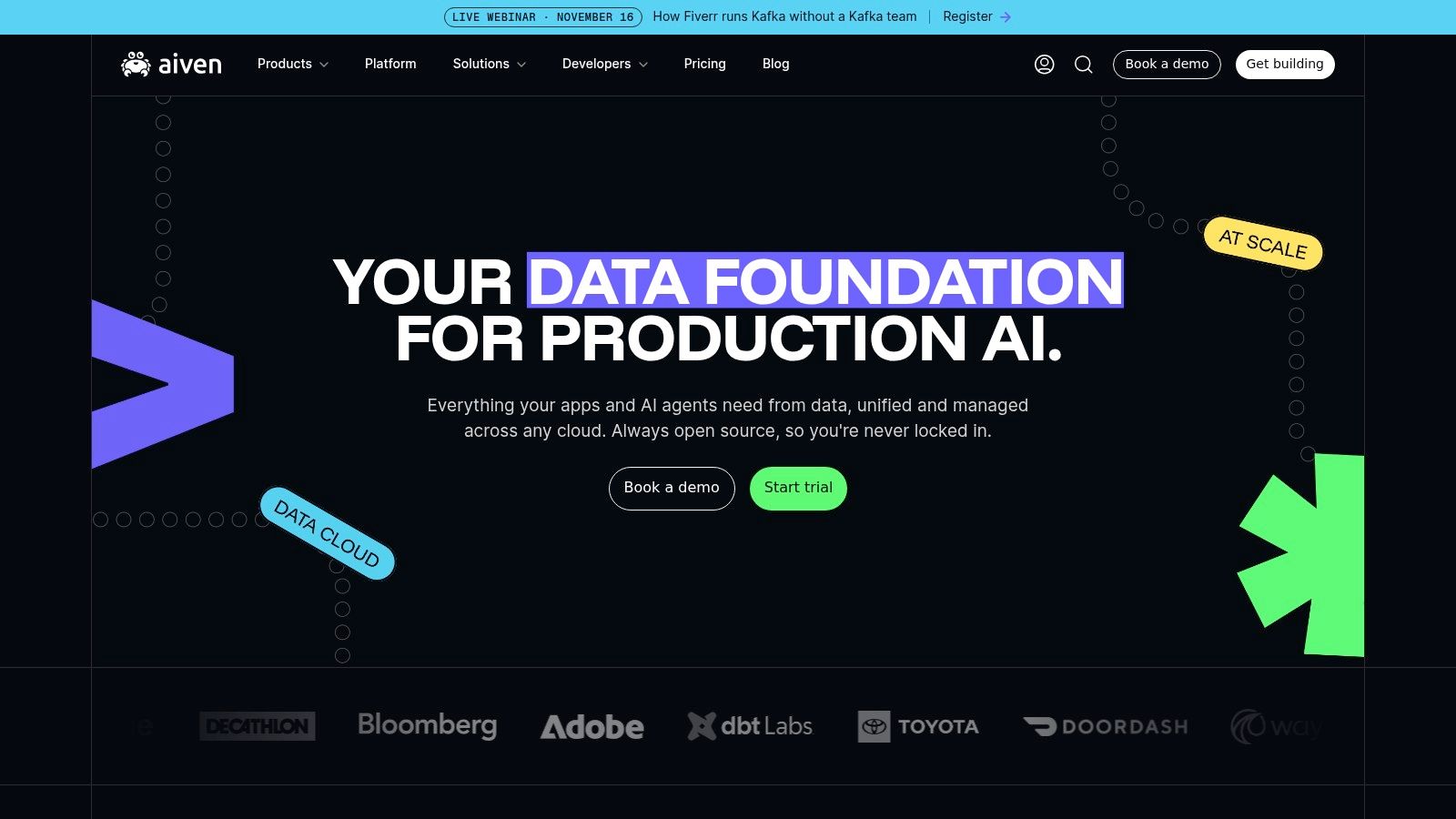
You can start without a payment card. The free PostgreSQL service is sized for learning, proofs of concept, and low-traffic side projects rather than sustained production work. Paid plans provide the route to larger deployments once the workload outgrows the free allocation.
Free-Tier Mechanics
| Mechanic | Practical effect |
|---|---|
| Small, single-node service | One node failure means downtime; the free tier has no high availability. |
| Inactivity shutdown | The free PostgreSQL service can power off after extended inactivity, so keep a health check active if an idle endpoint would break a demo. |
| Documentation-only help | Free-tier support is limited to documentation, so plan to troubleshoot connection and configuration questions yourself. |
| Paid upgrade path | Moving to a paid plan is the route to larger deployments, but the free tier does not behave like a scaled-down production cluster. |
I'd choose Aiven when standard engines and Terraform-managed infrastructure matter more than app-platform conveniences. For anything customer-facing, treat the free service as a rehearsal space and budget for the upgrade before real users depend on it.
7. Turso
SQLite is the quiet giant of free database apps. The SQLite project documentation states the engine is included in every Android device, every iPhone and iOS device, every Mac, and major browsers including Firefox, Chrome, and Safari. Turso takes that lightweight, file based model and offers it as a managed, distributed service for apps that want many small databases close to users.
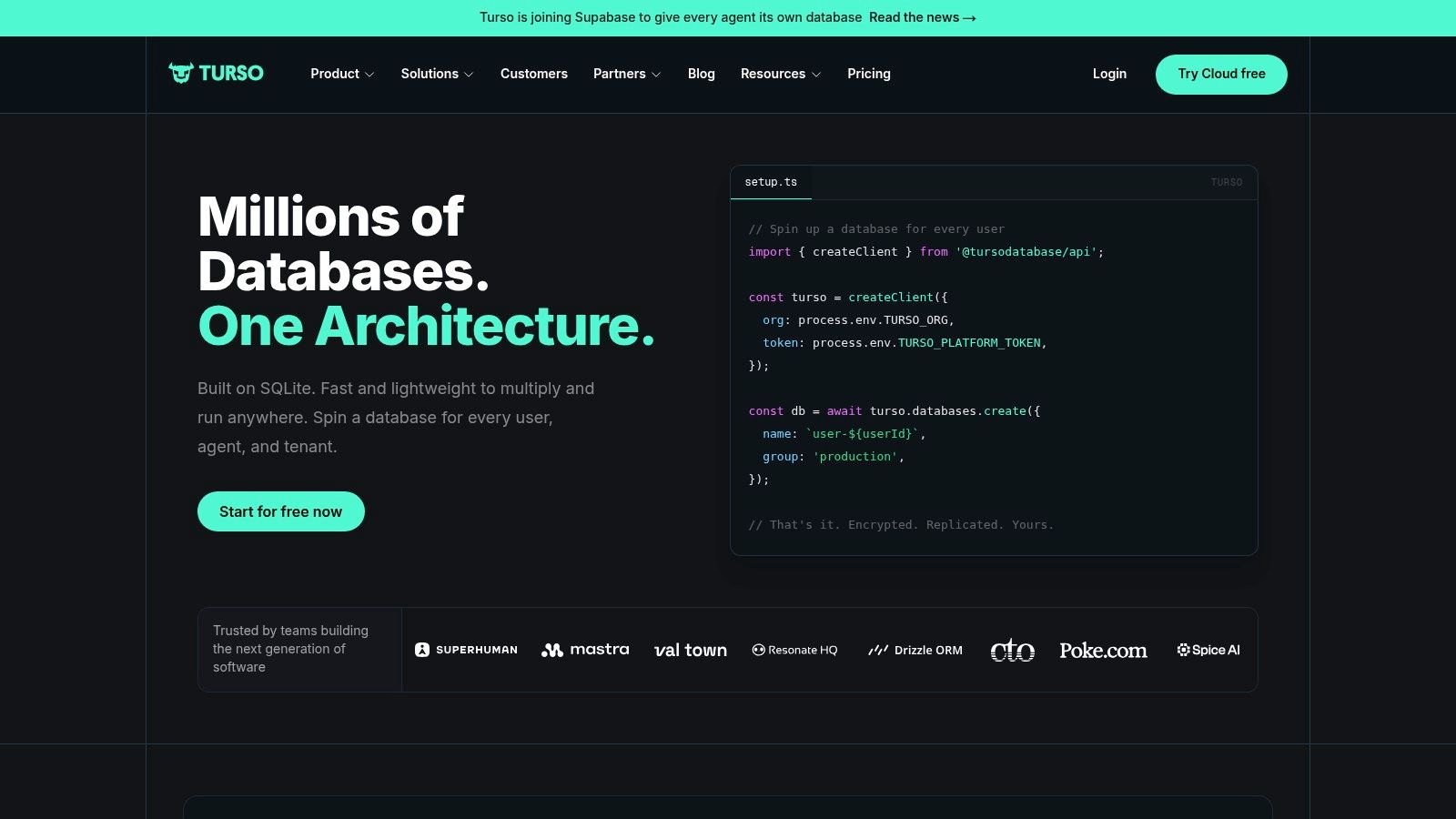
The Turso free plan lists up to 100 databases and 5 GB of storage, which supports project by project experimentation, including one database per user or per tenant patterns. The Developer plan starts at $4.99 per month, so the first paid step is relatively low. For smaller applications, SQLite's simplicity means fewer moving parts than a client server database.
- Not a drop in replacement: SQLite based services aren't a substitute for PostgreSQL or MongoDB in every application, especially where Postgres specific types or extensions matter.
- Check compatibility first: Confirm your ORM, deployment environment, and required features work before you commit a schema.
- Usage limits still apply: Free plan usage limits apply beyond the headline storage number.
I recommend Turso for read heavy, geographically spread prototypes and per user databases. If your app leans on advanced Postgres features, you'll miss them.
8. Prisma Postgres
If your stack is TypeScript and Prisma ORM, this one removes a translation layer. Prisma Postgres is managed PostgreSQL from the makers of Prisma, with connection pooling included, though other PostgreSQL clients can connect too. Postgres demand behind it is real. In the Stack Overflow 2024 Developer Survey, PostgreSQL was used by 48.7% of all respondents, making it the most used database technology in that survey.
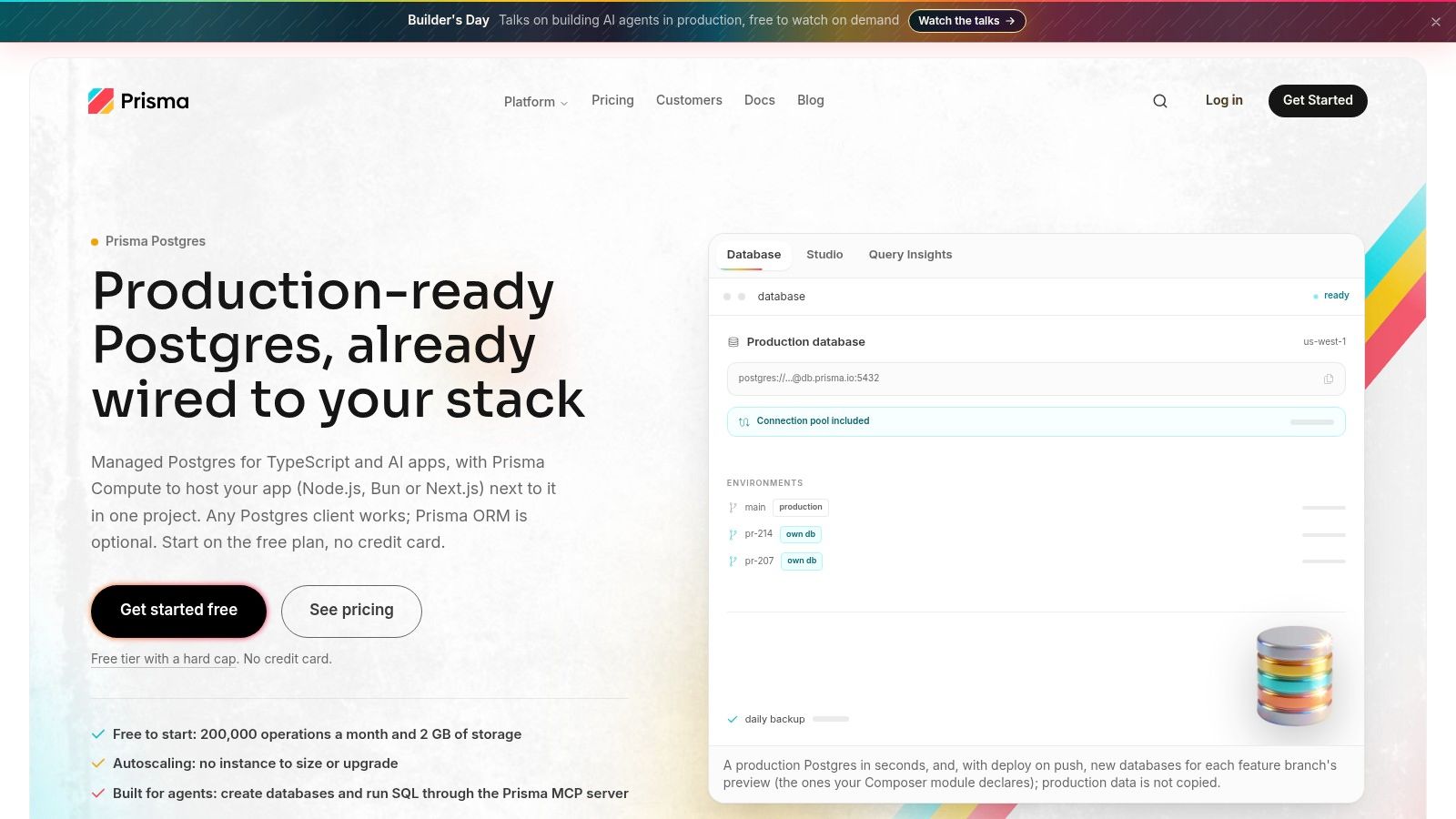
The Prisma Postgres free plan lists 2 GB of storage and 200,000 operations per month, supports multiple databases, and requires no credit card. Its failure mode is the clearest on this list. The plan has a hard cap and doesn't automatically generate an overage bill, which protects your wallet. The trade is blunt.
When the free operation allowance is exhausted, the database stops accepting reads and writes. Your app doesn't slow down. It stops.
Backups aren't included in the free plan, and the service is less compelling if you don't use Prisma's ecosystem. I recommend it for Prisma based prototypes where predictable zero cost matters more than graceful degradation. Add operation monitoring early, because the cap gives no soft landing.
9. Upstash Redis
A cache that sits idle all weekend shouldn't bill like a production cluster. Upstash Redis runs managed Redis compatible databases on serverless, pay per request pricing, so you pay for commands rather than an always-on server. That model fits caching, queues, rate limiting, and session storage with irregular traffic.
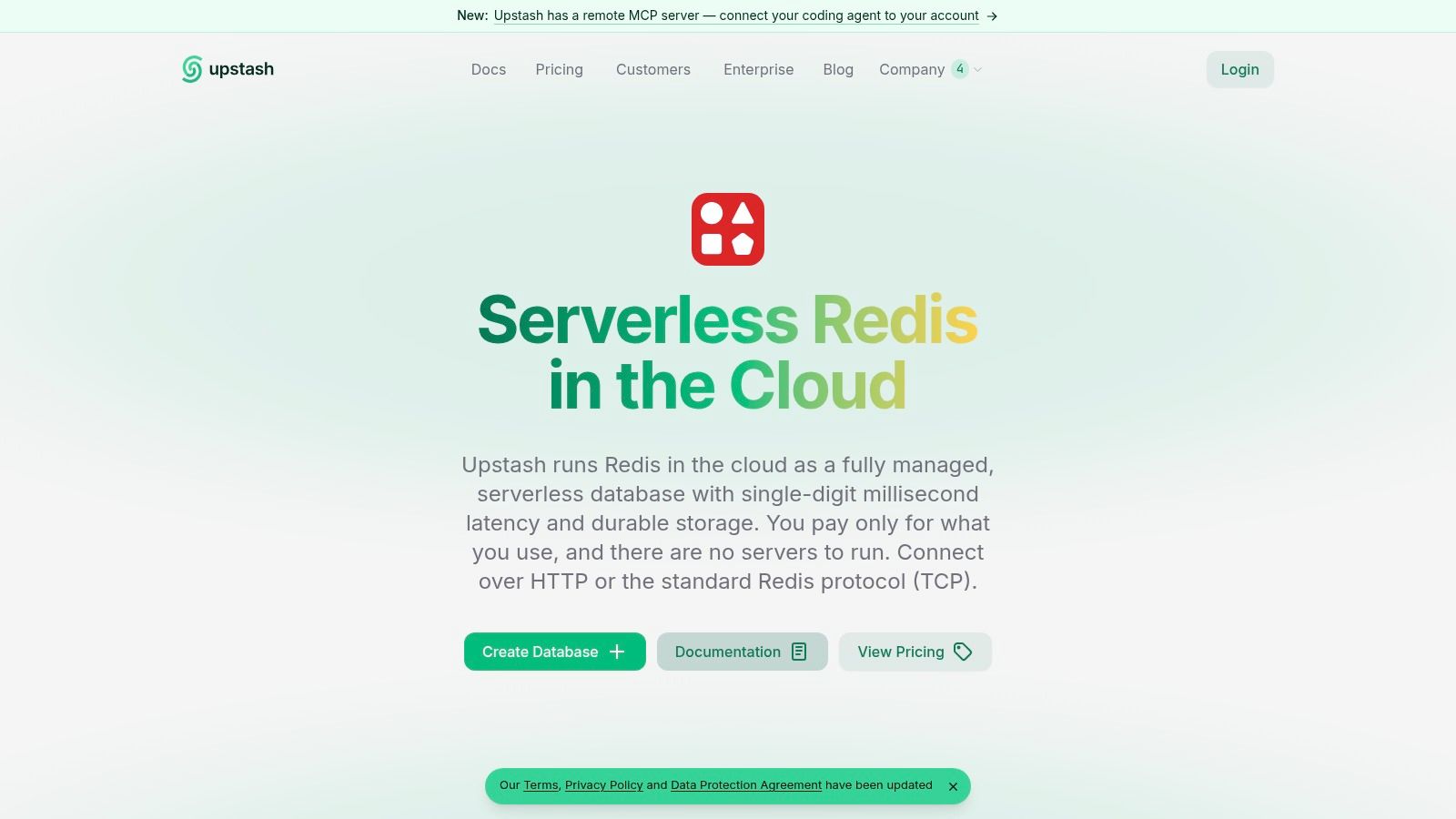
The free tier lists 256 MB of data, 10 GB of monthly bandwidth, and 500,000 monthly commands, enough to test Redis backed features properly. You can even create a temporary Redis database without signing up, which makes a quick trial nearly frictionless. That convenience has a deadline attached.
The Expiry to Remember
- Temporary means temporary: A database created without signing up is deleted automatically unless you claim it within a limited window, so claim it as soon as your test works.
- Three meters run at once: Storage, bandwidth, and command limits all apply, and chatty clients hit the command cap first. A cache flush loop or a noisy queue consumer can burn through 500,000 commands long before 256 MB fills.
- Wrong tool risk: Redis isn't a substitute for a relational database in many applications, so don't store your only copy of user records here.
Pick Upstash to add caching or rate limiting to an existing app in an afternoon. Pair it with a real primary database from this list.
10. Cloudflare D1
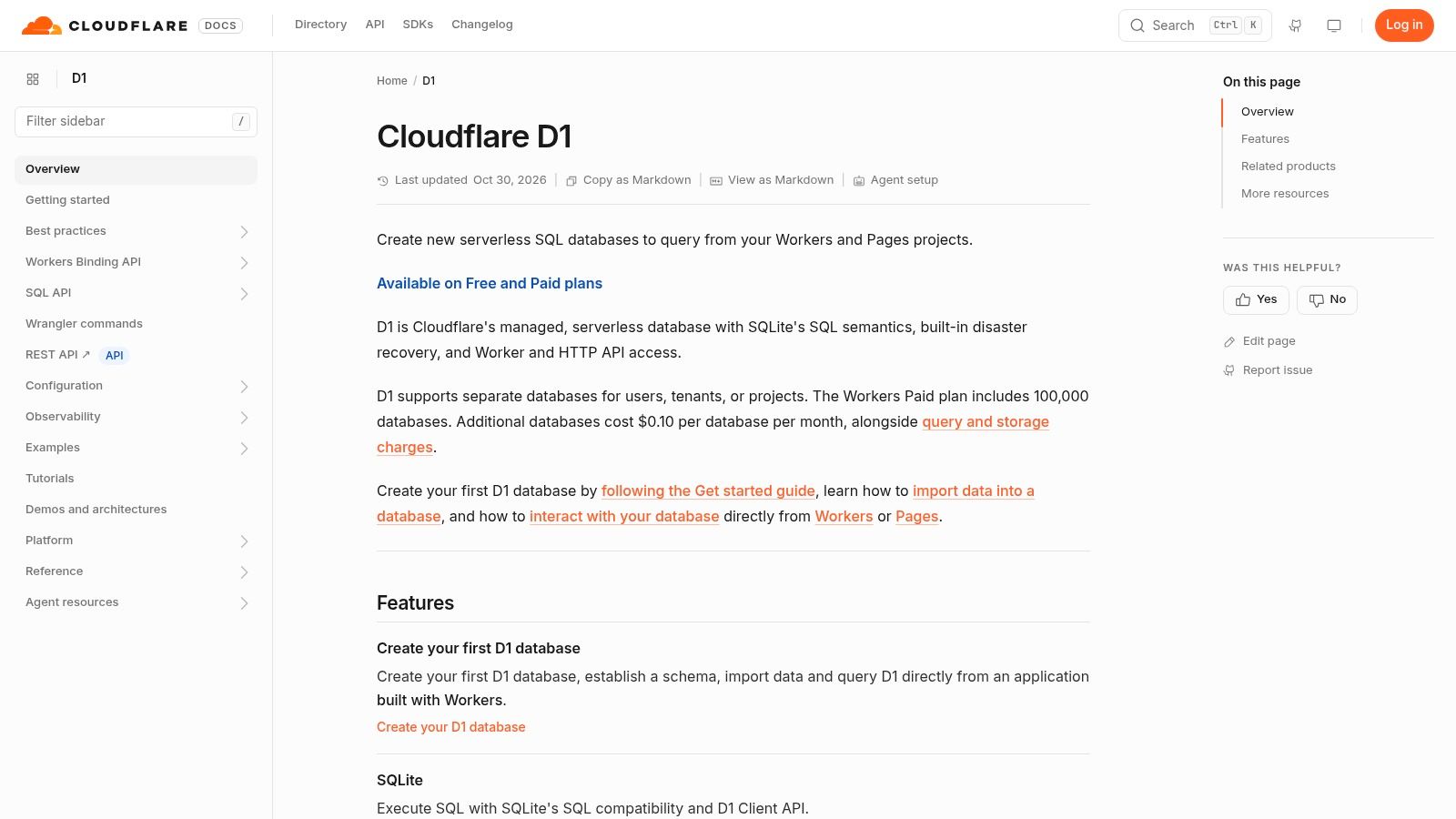
You're already deploying on Cloudflare Workers, and adding an external database means new credentials, new latency, and a new vendor. Cloudflare D1 is Cloudflare's managed SQL database built for Workers, accessed through Workers bindings and a REST API. SQL close to your execution environment, with no database server to run, is the whole pitch.
The risk profile of free tiers like this one deserves plain language. One comparison of free databases notes that a database can be throttled even when storage remains available, while inactive projects may pause or be deleted and backups are often excluded. D1's version of that risk is explicit and daily.
The D1 free tier has daily read and write limits, and over limit queries fail until the limit resets or the account upgrades. That enforcement prevents some unexpected paid overages, and usage can be monitored through Cloudflare tools.
- Platform gravity: Its tie to Workers makes it less convenient outside that platform, so portability is the price of convenience.
- Failed queries, not slow ones: Queries can fail after free tier limits are reached, which your error handling must expect.
I recommend D1 only when Workers is already your home. Elsewhere, a portable Postgres or SQLite option travels better.
Free-tier comparison of the 10 database apps
Read each allowance as the ceiling you will hit first: storage, operations, bandwidth, or a daily quota.
| Item | Database type | Free-tier allowance | Best for |
|---|---|---|---|
| Resources | Catalog of relational, document, cache, and vector database services | Postgres: 1 free database that scales to zero when idle; MongoDB: 5 free databases with 512 MB storage and shared compute; Redis: 5 free databases with 256 MB storage, 500K commands and 10 GB bandwidth per month | Comparing and provisioning database services |
| Supabase | Managed PostgreSQL | 500 MB storage per project | PostgreSQL apps needing built-in APIs and backend services |
| Neon | Managed PostgreSQL | Up to 100 projects and 1 GB storage per project | Prototypes and development with database branching |
| MongoDB Atlas | Managed document database | 512 MB storage on a shared cluster | Learning MongoDB and small proof-of-concept projects |
| Firebase Cloud Firestore | Managed document database | 1 GiB storage, 50,000 reads per day, and 20,000 writes and deletes per day | Web and mobile apps needing realtime data |
| Aiven | Managed PostgreSQL, MySQL, and other open-source data services | PostgreSQL: 1 GB storage, 1 GB RAM, and one CPU | Learning and small projects using managed open-source databases |
| Turso | Managed SQLite-based database | Up to 100 databases and 5 GB storage | Lightweight apps and distributed deployments |
| Prisma Postgres | Managed PostgreSQL | 2 GB storage and 200,000 operations per month | TypeScript and Prisma-based projects |
| Upstash Redis | Managed Redis-compatible key-value database | 256 MB data, 10 GB monthly bandwidth, and 500,000 monthly commands | Caching, queues, rate limiting, and lightweight key-value data |
| Cloudflare D1 | Managed SQL database | Daily read and write quotas; over-limit queries fail until the limit resets | Applications running on Cloudflare Workers |
Shared compute favors experiments over steady traffic. Operation caps reward apps with predictable request shapes.
Picking a Free Tier That Matches Your Workload
Start with the data model, not the free allowance. Relational data with joins belongs in Postgres options like Neon, Supabase, Aiven, or Prisma Postgres. Nested documents point to MongoDB Atlas or Firestore, ephemeral key value work points to Upstash Redis, and lightweight SQL points to Turso or Cloudflare D1. Choosing the wrong engine to chase a bigger free tier costs you a migration later.
Then vet the failure mode against how your app behaves. A paused project hurts a portfolio demo that sits idle for weeks, but it barely matters for a hackathon build you'll touch daily. Failed queries at a hard cap protect your budget, yet they turn a traffic spike into an outage. An expired temporary database is fine for an afternoon experiment and unacceptable for anything a user depends on.
Ask what happens in three concrete scenarios. Say a link to your prototype gets shared and reads jump overnight. Say a coding agent retries a failing request in a loop and burns commands or operations. Say you abandon the project for a month and return. If you can't state what each scenario does to your data and your bill, you haven't vetted the tier yet.
Treat every free tier here as for building, not production. They typically carry no backups and no uptime guarantee, limited support, and small single node resources. Export your data on a schedule you control, test a restore once, and identify the paid step before launch instead of during an incident. The upgrade path, region choices, and egress costs you pick now will follow you.
Teams provisioning several services at once have an extra variable, which is account sprawl. Our Free plan costs $0 forever and includes a free allowance on every provisioned resource, including 1 free Postgres database that scales to zero when idle, with credentials written straight to .env and no payment card required. That consolidation helps when one project needs Postgres, Redis, and storage together. It doesn't remove the need to watch shared allowances.
Decision Checklist Before You Commit
- Data model first: Does the engine match your queries, joins, documents, or key value patterns without workarounds?
- Failure mode: When you hit the cap, does it pause, throttle, expire, or fail queries, and can your app tolerate that?
- Inactivity policy: What happens after weeks untouched, and how do you restore service and data?
- Backup ownership: Who produces backups on the free plan, and have you tested an export and restore?
- Runaway usage: Could a retry loop or shared link create overage charges or a sudden stop?
- Exit route: Can you export in a standard format and reconnect with ordinary drivers on another provider?
Answer those six questions in writing for your top two candidates. The right free database is rarely the one with the largest number on the pricing page. It's the one whose limits you understand, whose failure mode you've planned for, and whose paid tier you'd willingly buy when the prototype earns real users.
Provision the Postgres, MongoDB compatible, Redis, and vector databases your next prototype needs from one catalog, with free allowances shown up front and credentials delivered where your code expects them. Skip the separate provider signups and start building tonight with ExtraOrbital.
Built with Outrank