10 Free Online Databases Compared: Limits and Backups
Compare 10 free online databases by limits, persistence, backups, and best-fit use cases, with honest notes on what each free tier can and cannot do.
Two months of work sits in a database you created on a free plan in ten minutes. Then the holidays arrive. The prototype goes quiet, nobody opens a query console for three weeks, and the first request in January comes back as a paused project, a cold connection, or a schema with the seed rows missing.
Most free-tier roundups rank plans by storage and monthly requests, then stop. Those numbers describe the happy path. What decides whether a free database is safe for your project is what the provider does to your data once the project stops being interesting: whether an idle database gets suspended, whether it wakes up with every row intact, whether the free plan includes anything you could restore from, and how long a forgotten resource survives before cleanup.
That's the filter used below. Each entry is judged on idle behaviour, expiry rules, and the backup story first, storage second. A free database you can spin up in a minute but can't restore is a scratchpad, not storage, and the plans that admit this up front are easier to trust than the ones that don't.
1. ExtraOrbital
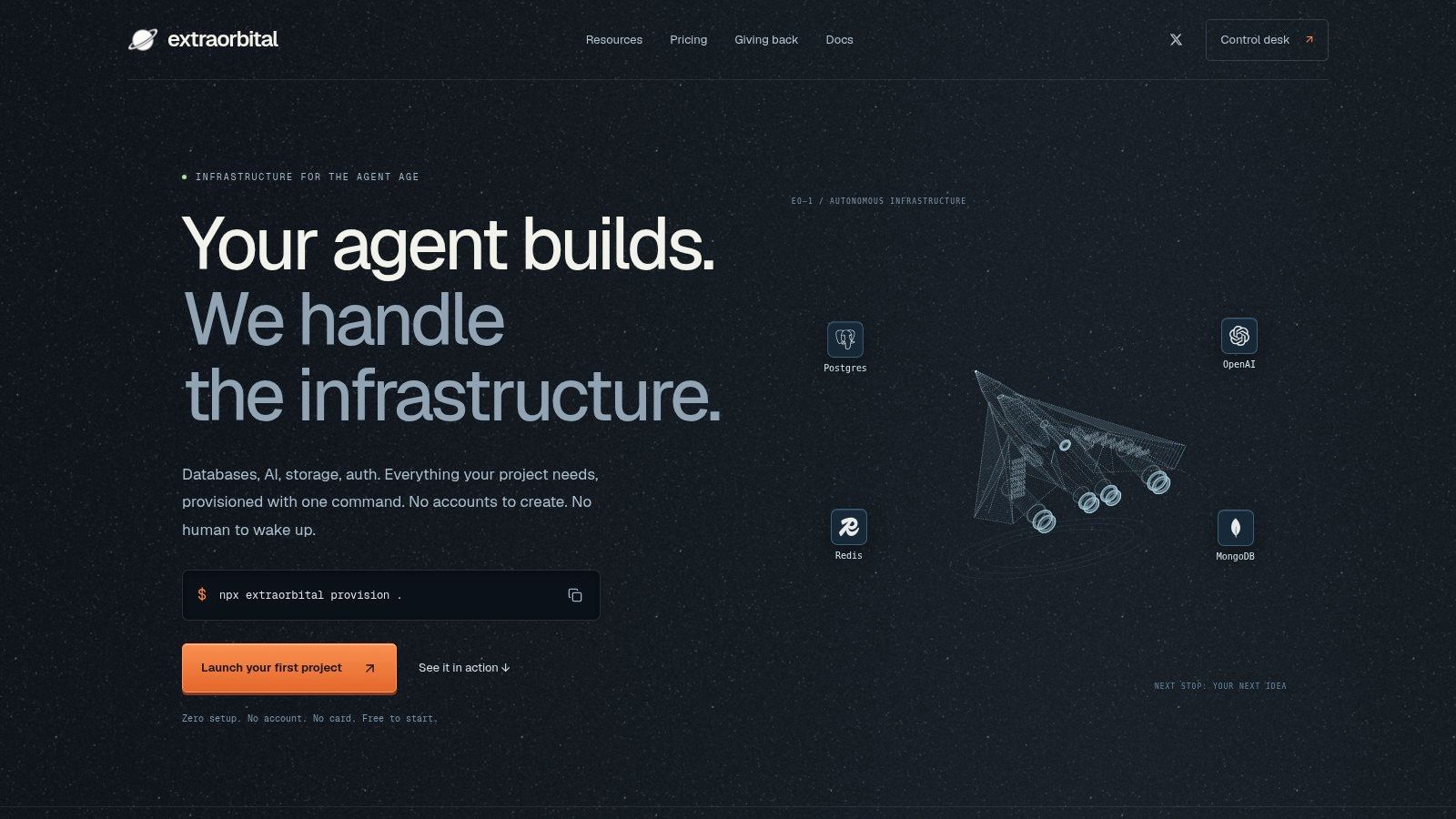
An autonomous agent that needs a Postgres URL it can't create will stop and ask, and that interruption is the reason ExtraOrbital exists. Run npx extraorbital provision . in a project and it reads what's there, works out what's missing, and provisions it: Postgres, a MongoDB-compatible and a Redis-compatible database, object storage, auth, realtime, vector search, queues, and AI services. Credentials land where the code expects them, so nothing gets pasted by hand, and signing up needs no card and no account.
The project view keeps resources, credentials, health, backups, and usage in one place rather than spread across five provider consoles. Machines don't occupy paid seats, so an agent can provision inside the free allowances before anyone claims the project and adds billing.
What happens when the project goes quiet
Experimental resources can be given an expiration date and are deleted when it passes. Prototype resources that go unused are removed after 30 days, with a warning one week before expiry. Both clocks are visible in advance, and an experimental resource can be made permanent before its deadline runs out. A silent pause tells you something changed when a request fails. This model tells you a week early, in writing.
The Free plan costs $0 forever and is meant for building rather than production: a free allowance on every provisioned resource, credentials written straight to .env, no backups, no uptime guarantee, and deletion after inactivity. Pay-as-you-go runs $20 per member per month plus resource usage at supplier cost, and adds periodic backups, restore, persistent resources, and email support. Enterprise adds dedicated resources, multi-region backups, and an uptime agreement.
The cost question on a free plan is rarely storage. Since paid usage bills at supplier prices without markup, the number to watch is consumption per resource: the control panel tracks usage by resource, project, and team, the ledger exports to CSV or JSON, and budget caps stop a runaway workload before the invoice does.
The trade-off: a free allowance with a visible expiry date is safer than one that never tells you when it ends.
2. Supabase
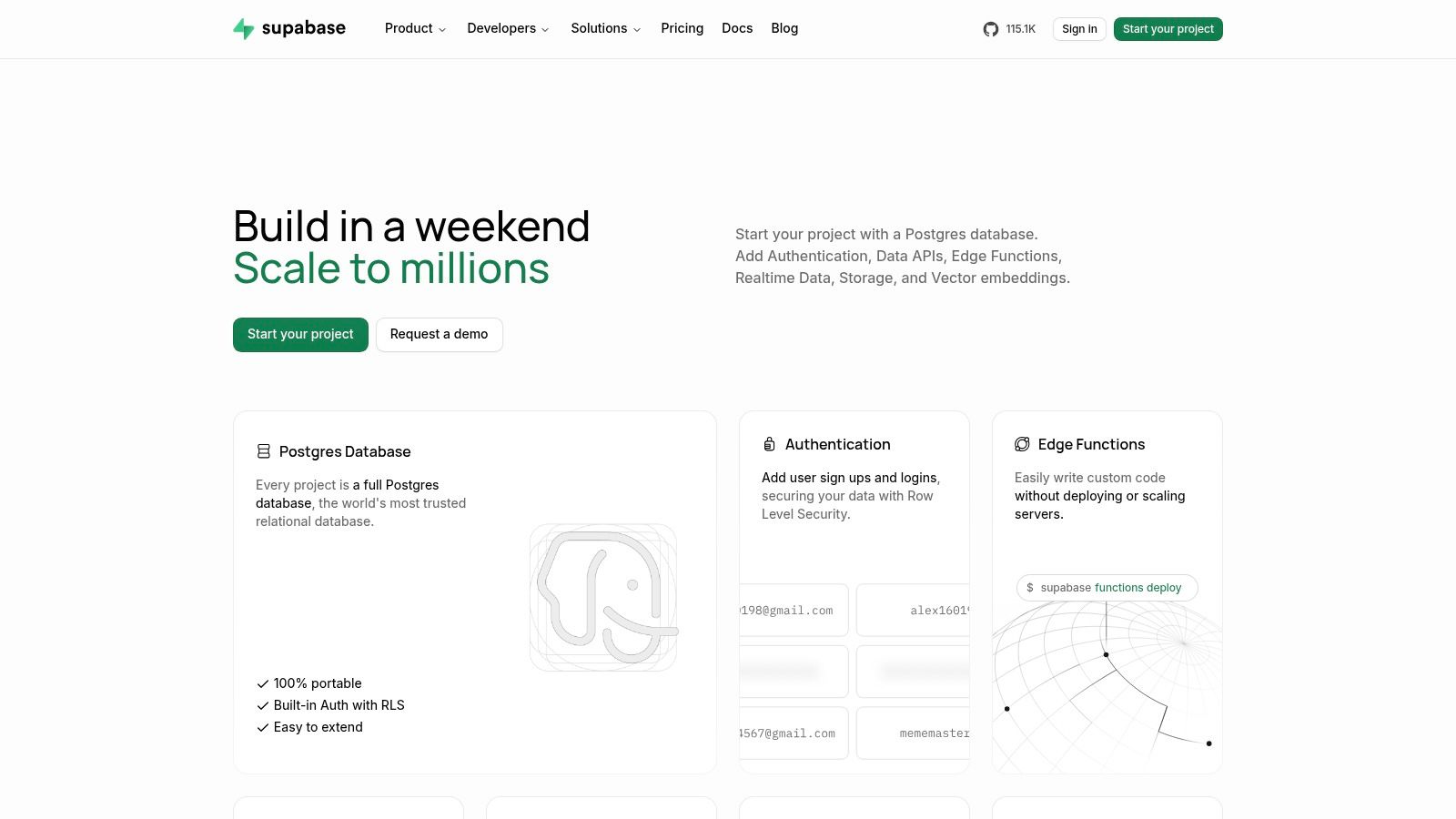
Supabase bundles managed Postgres with the pieces a web app needs anyway: authentication, file storage, realtime, and APIs generated from your schema. For a Next.js build it's the shortest route from an empty repo to a working backend with users and file uploads.
The dashboard keeps the database, auth users, storage buckets, and logs inside one project view.
The lifecycle detail that bites is the pause. Free projects can pause after inactivity. The data survives that pause and you can bring the project back from the dashboard, which is the good news. The bad news is what a pause breaks: a cron job that expected the database to be awake, a webhook retry, an agent that wakes on a timer and finds the connection refused. A paused project doesn't page anyone.
- Storage ceiling: 500 MB of database storage per project, with up to two active free projects.
- Resume cost: a manual restart, so a Monday morning demo shouldn't be the first time you discover the pause.
- Backups: automatic backups sit on the paid plan, which means the free tier's real protection is a dump schedule you own.
Run a nightly dump into storage outside the project and the pause becomes an inconvenience rather than an incident. That one habit is worth more than any storage difference between the plans here.
3. Neon
Neon is serverless Postgres billed on compute time instead of uptime. Compute scales to zero when nothing is connected, and the free plan covers a limited number of projects, branches per project, monthly compute-unit hours, and storage per project. That sizing fits side projects and experiments, not a dataset you expect to grow.
The branch list is the first screen worth learning, because it shows how many isolated environments the plan will hold before you have to clean up.
Scale to zero is not delete
When a Neon database goes idle, the compute suspends and the next connection wakes it. The first query after a quiet night pays a cold start, and that is the whole cost. Rows stay put, nothing needs a manual restart, and the database is not deleted behind your back. For a project that runs in bursts, this is the correct shape for a free tier.
The catch sits in the compute-hour budget rather than in persistence. An agent or a chatty job that runs long enough can burn through the monthly allowance, at which point the database stops answering until the limit resets or you pay. The data is still there. Your app just cannot reach it, which reads like an outage from the outside.
Branching is the second reason to pick Neon. A branch is a copy-on-write clone of the schema, so you can hand an agent its own environment and let it wreck that instead of production. When the experiment fails, throw the branch away.
One detail costs people an afternoon: the connection string for a serverless runtime is not always the one you use from a laptop or a long-running worker. The walkthrough on connecting to a PostgreSQL database explains pooled versus direct connections, which is the difference between a working deploy and a timeout you cannot explain.
4. MongoDB Atlas
Atlas is the only database here whose free cluster doesn't expire, according to MongoDB's documentation, and that single fact changes the lifecycle maths. A free cluster that stays put is a reasonable home for a side project's live data, available on AWS, Google Cloud, or Azure.
The cluster overview is where you'll watch storage and connections, since the free tier is small enough that both move.
Adoption follows tooling, not availability. In a survey of health-sciences faculty at a large research university, 78.5% used MEDLINE at least weekly and only 7.3% named Google Scholar as their first choice for article searches, even though Scholar is free and everywhere (PubMed Central). Drivers, docs, and a decade of answered questions do the same work for a database. If your app already speaks Mongoose or the MongoDB Node driver, Atlas removes a migration, and that is worth more than a larger storage quota somewhere else.
A free tier that never expires is rare. Treat it as a place to keep a small, live dataset, not as the only copy of anything.
Don't assume snapshot restore comes with it. The free cluster is small, exposes only a subset of Atlas features, and isn't a substitute for relational Postgres when your data is relational. Check the backup story on the tier you're on before you decide the cluster is your source of truth.
5. Turso
Turso is SQLite with a server attached. The free plan is shaped for read-heavy work: it allows a long list of databases, gives reads generous headroom, and keeps writes as the tighter limit. An API that serves far more than it ingests fits that quota well. Paid plans pick up where the free allowance ends.
A plan that permits this many databases makes the dashboard your main interface, and the quota's shape shows up there long before it shows up in a bill.
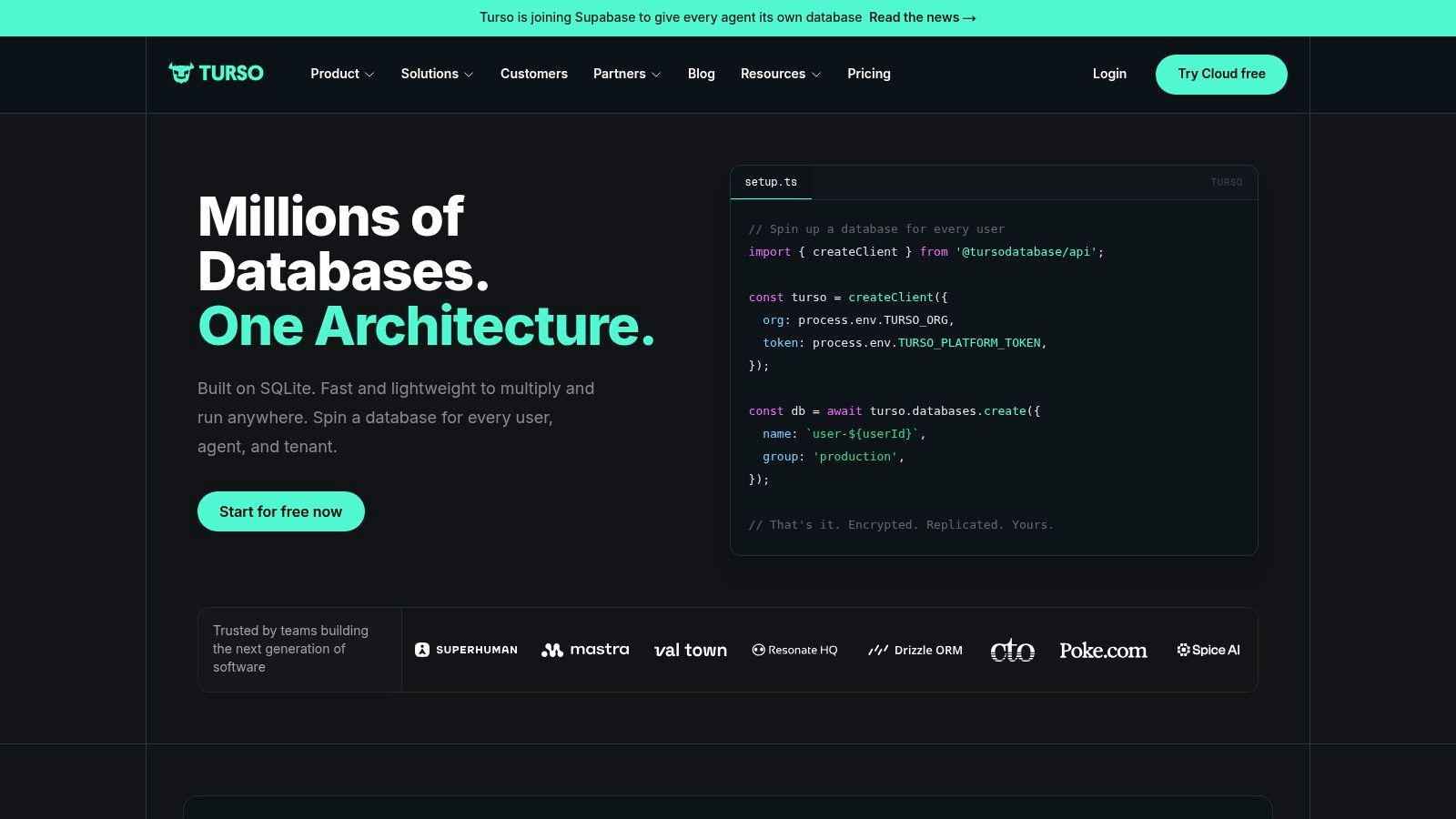
The lifecycle question here is which safety features belong to the product and which belong to your plan. Point-in-time restore and branching exist in Turso, and those two capabilities decide whether a mistake is recoverable. A feature described in the docs can still sit above the tier you're on, so verify it against your plan before real data moves in.
- Compatibility first: libSQL is SQLite-compatible, not Postgres-compatible. ORMs and migrations written for Postgres won't port without work.
- Quota shape: reads are generous and writes are tighter. A write-heavy job hits the ceiling well before storage does.
- Deployment fit: the embedded-style model suits edge functions and small services far better than a heavy transactional workload.
Where it fits, it fits with almost no operational surface to manage. Where it doesn't, you'll find out at the migration step rather than at the query step.
6. Google Cloud Firestore
A Firestore free tier ends without notice: usage past the allowance starts billing, and the backups that would undo a bad delete sit behind a billing switch free projects often leave off. The service itself is a NoSQL document database with realtime sync built in, and the quota is generous on stored bytes while metering operations closely. It covers a database per project with a modest storage ceiling, daily read, write, and delete caps, and a monthly outbound transfer limit.
Reads and writes climb independently of stored bytes, which surprises people coming from Postgres. The usage tab is where you watch it happen.
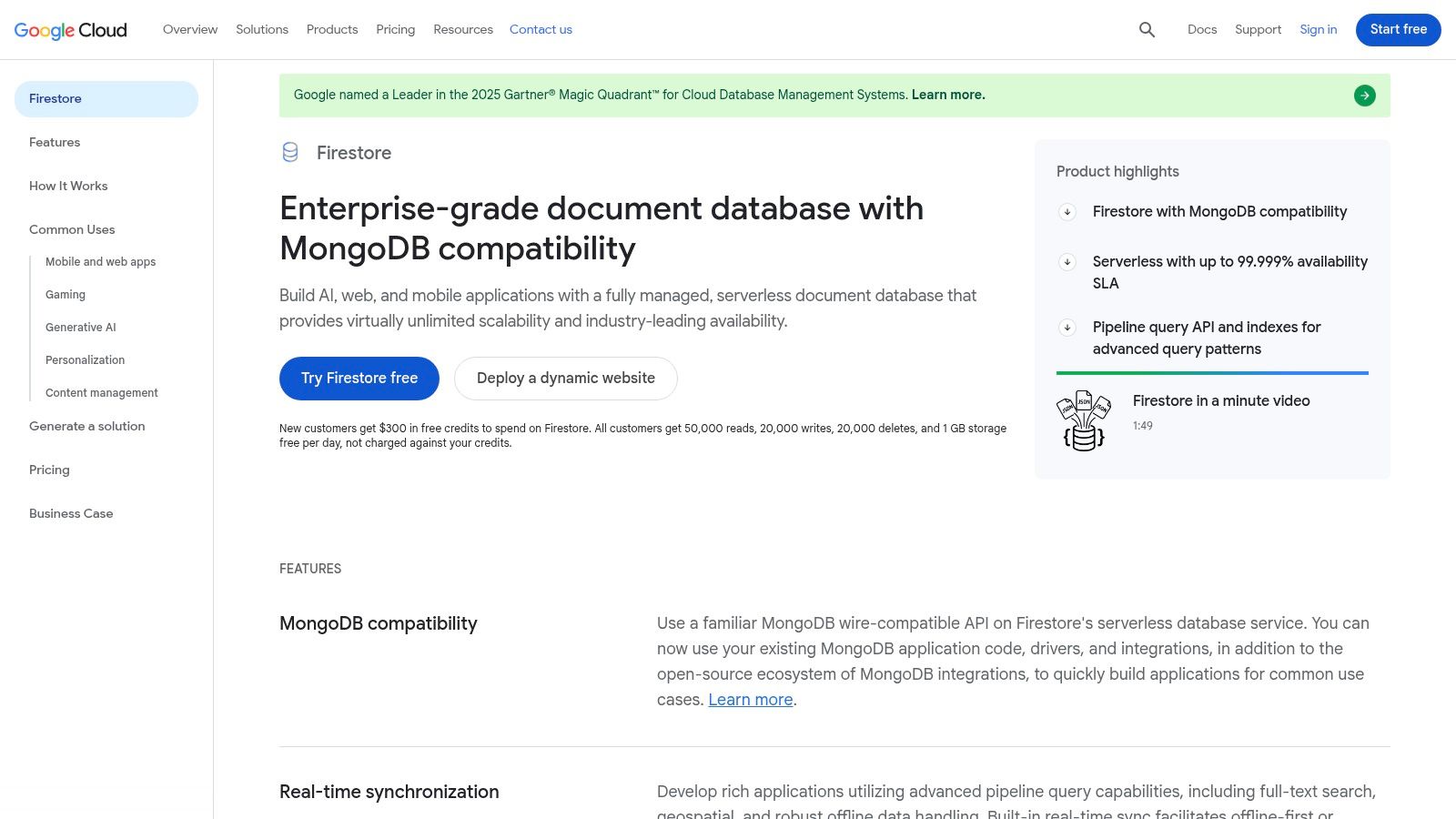
The lifecycle consequence of that billing switch is bigger than the invoice. Backups, restore, and some related capabilities require billing to be enabled, so a project that has never left the free quota has no managed restore point behind it. One accidental delete is a permanent delete. If the data matters, enable billing early and set a budget alert, even if the invoice stays at zero for months.
- Model shift: data lives in documents inside collections, and you denormalise on purpose because there is no join to fall back on.
- Metering: reads, writes, deletes, storage, and egress each count separately. Every document a query returns adds to the read total, so the cheapest-looking screen can be the most expensive one in the app.
- Sync: realtime listeners suit apps that push live updates to mobile and web clients, and each update a listener receives also runs through the read counter.
For a cached, read-heavy screen it earns its place. For an agent writing thousands of small documents in a loop, watch the write counter, because that is where the free allowance runs out.
7. Upstash Redis
Upstash is the clearest example on this list of a free tier where expiry is the headline, not the footnote. A database created without signing up is temporary by design and gets deleted unless you claim it, so anything you meant to keep needs an account behind it before the trial window closes. That's correct behaviour for a demo and a trap for anything else.
The data browser is where you'll confirm what's stored, which matters more here than anywhere else on this list.
The expiry clock
Deletion isn't the only lifecycle quirk. The paid model bills per command rather than per gigabyte, and Redis workloads are command-heavy by nature, so a cache gets expensive in a way storage-based pricing never does. A hot key and a retry loop with no backoff rapidly increase command counts, and the bill arrives in units unrelated to the amount stored. Check the provider's current pricing and expiry terms before you rely on either.
Rule of thumb: treat a Redis-compatible store as state you can rebuild from the source of truth, and keep that source of truth in Postgres.
REST access alongside conventional Redis connections is why it turns up next to serverless functions and edge runtimes, where holding a persistent connection open is awkward. Use it for sessions, rate limits, queues, and cached reads. Don't make it the only place a record exists.
8. Aiven for PostgreSQL
Aiven's free Postgres is the entry on this list where the lifecycle questions matter most, because the answers sit in the plan terms rather than the product page. The instance itself is small, sized for learning Postgres, prototypes, and side projects rather than production load. Before trusting it with data you can't recreate, confirm two things in the current terms: whether automated backups apply to the free plan, and what happens to a database that sits idle for a while.
The service overview puts CPU, memory, and disk on the same panel, so the capacity ceiling is impossible to ignore.
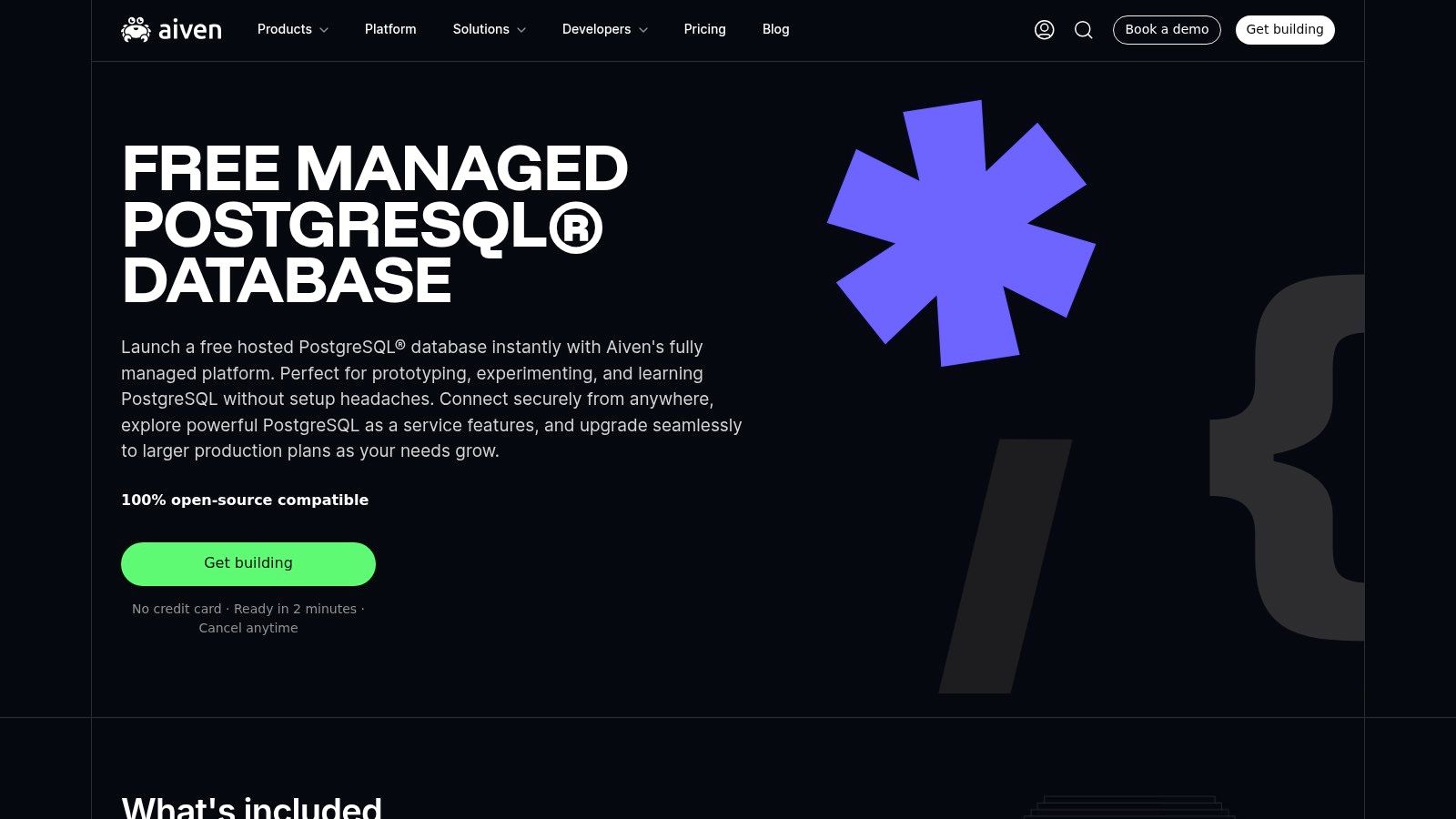
The catch is everything around the database. Free tiers on managed platforms commonly limit support to documentation and reserve the right to suspend services that go quiet, so the plan documents deserve a read either way. Friction decides whether people stick with a tool more than availability does: a higher-education study found that only 11.5% of respondents considered access to institutional e-databases very easy, while 27.1% found it difficult and 16.3% very difficult (IJEDICT). A managed database is the same shape of problem. The hard part is rarely the storage. It's the restore when something breaks and the only help is a docs page.
- Upgrade path: the free plan sits inside a broader paid platform, so outgrowing the instance doesn't force a change of provider. Check current pricing before building around it as a stepping stone.
- Tooling: console, CLI, API, Terraform, metrics, and logs on one platform, so it behaves like managed infrastructure rather than a demo.
- Portability: standard Postgres drivers and frameworks apply, so leaving is possible.
Whatever the plan's backup policy turns out to be, this walkthrough on how to back up a database covers the difference between logical dumps and snapshots, and why you still want a copy outside the provider.
9. Oracle Cloud Always Free databases
Always Free has an address
Oracle's Always Free tier is the strangest entry here because of what it includes: managed autonomous databases, a NoSQL service, and a MySQL HeatWave instance, none of it packaged as a 30-day trial. Your data doesn't age out on a calendar.
What retires a free Oracle database is geography. Availability depends on your home region and on current service terms, so an instance that exists today isn't guaranteed to be creatable in a different region tomorrow. Free instances also carry limits on CPU, storage, and sessions, and the entitlement belongs to a tenancy rather than a project. Lose the tenancy and the free databases go with it.
The bigger cost is the shape of the platform. Account setup and cloud-console concepts take longer to learn than a single-purpose service, and Oracle-specific features make leaving harder later. That's a fair trade if you're deliberately learning Oracle tools like APEX and SQL Developer, and a poor first database for an agent-driven prototype that just needs a connection string before lunch. If you're weighing it against smaller providers, this comparison of free database options in the cloud puts the persistence and quota differences side by side.
10. Cloudflare D1
Quotas that fail loudly
D1 is the only database here that lives inside the same platform as the app. On the Workers Free plan it includes 5 million rows read per day, 100,000 rows written per day, 5 GB of total storage, and 10 databases, all visible in the dashboard analytics.
Idle compute costs nothing, and a database nobody queries doesn't age out. The failure mode is quota, not time: exceed the daily read or write limit and queries fail until the quota resets. That's a hard, visible stop, which is easier to debug than a silent pause and harsher when it lands mid-traffic.
- Ecosystem tie: it's convenient precisely because the app is already on Workers, and awkward if it isn't.
- Daily resets: budgets are per day, so a batch job that runs at the wrong moment competes with live traffic.
- Scope: it isn't a general replacement for managed Postgres or MySQL, and the feature surface is deliberately small.
Index the columns you filter on before you ship, because one unindexed scan can burn more of a daily rows-read budget than a week of normal traffic.
Free tier limits, persistence, and backups at a glance
Read the rows as lifecycle promises: storage tells you what fits, idle behavior tells you whether a quiet project survives, and backups tell you whether a mistake is reversible.
| Item | Database model | Free tier storage | Idle or expiry behavior | Backups on free tier |
|---|---|---|---|---|
| ExtraOrbital | Postgres, MongoDB-compatible, Redis-compatible, Vector | Engine-dependent: 1 free Postgres database, 5 free Redis databases with 256 MB storage, 5 free Mongo-compatible databases with 512 MB storage | Prototype resources unused for 30 days are deleted after a warning one week before; ephemeral resources suit experiments | No backups |
| Supabase | PostgreSQL | 500 MB per project | Free projects can pause after inactivity | Automatic backups require a paid plan |
| Neon | PostgreSQL | 1 GB per project | Compute scales to zero when idle | Compute suspension preserves rows; restore is not the promise |
| MongoDB Atlas | Document database | Free cluster allocation | Free clusters do not expire | Persistence is documented; recovery is a separate check |
| Turso | SQLite-compatible libSQL | 5 GB | No inactivity purge is promised | Point-in-time restore is offered; free-tier eligibility needs care |
| Google Cloud Firestore | NoSQL document database | 1 GiB | The quota model has no inactivity purge | Backups and restore require billing to be enabled |
| Upstash Redis | Redis-compatible key-value database | Temporary databases are time-limited; persistent capacity is plan-sized | Unclaimed temporary databases are deleted after three days | Persistence is the dividing line; recovery is a separate check |
| Aiven for PostgreSQL | PostgreSQL | 1 GB | Free services may be powered off after inactivity | Automated backups are listed as a free-tier feature |
| Oracle Cloud Always Free databases | Autonomous, NoSQL, and MySQL HeatWave | Up to 20 GB per Autonomous database | Always Free resources persist while inside allowance | Recovery sits outside the Always Free headline |
| Cloudflare D1 | SQL database | 5 GB total | No charge for idle compute | Durability is platform-side; restore is not the free-tier lever |
The practical order is deletion first, recovery second: a database can survive every idle weekend and still be one bad migration away from gone.
Choose the Free Tier That Fits Your Data's Lifespan
Start with how long the data has to live, not with how much storage the plan gives you. An experiment that gets thrown away in a fortnight can run on any tier here. Pick the one with the least setup friction, give it an expiry date you'll remember, and don't build anything on top of it that you'd have to explain to someone later.
For data you'd be upset to lose, the free tier is a staging area. Two things have to be true before it becomes a home: backups exist on your plan, and someone has tested a restore. Everything else is a preference. Aiven ships automated backups on its free instance, which is unusual and useful, and it also powers services off after inactivity and answers support questions with documentation. Neon suspends compute without deleting rows. Atlas documents free clusters that don't expire. Each of those is a different promise, and only one of them is a promise about recovery.
The word free is doing a lot of work in these comparisons. The U.S. National Archives separates databases that are free everywhere from subscription databases that are free only through its own computers or participating libraries, which is a useful reminder that free describes a scope, not a price of zero forever.
Availability isn't openness either. The Open Data Barometer found that governments collected comparable datasets in 97% of countries, but 29% of those datasets weren't published online at all and only 7% met its definition of open data. Programmatic access is a third question. The OECD's 2025 review of Southeast Asia rated only 35% of published high-value datasets easily accessible, against 66% across OECD countries, with 18% offering standard APIs and 43% up to date.
Which is why the last step is verification. Free allowances, retention windows, and backup policies change, and a plan that paused projects last year may delete them this year. Read the current pricing and limits page for whichever two providers you're choosing between before you commit, and write down the deletion rule somewhere your future self will find it.
For agent-driven prototypes, expiration is the most useful control on the list. ExtraOrbital provisions free allowances without a payment card and lets you set resources to expire on a deadline, while its Free plan still offers no backups and no uptime guarantee.
ExtraOrbital provisions Postgres, MongoDB-compatible, Redis-compatible, and vector databases from one command, writes the credentials into your project, and keeps usage, spending caps, and expiry dates in a single control desk, so a prototype can start on free allowances without a payment card. If the questions in this comparison are the ones you keep asking about idle behaviour and retention, the free plan is the fastest way to see the answers in practice. Visit ExtraOrbital to provision your first database and set an expiry date on it before you write a line of application code.